Embervault
Keep the whole party on one save.
Host a co-op world and Embervault keeps the save file current across the group automatically — encrypted with your keys, on infrastructure you can run yourself.
End-to-end encrypted
Saves are sealed with keys only your group holds. The server stores ciphertext it can't read.
Self-hostable
Run the entire stack yourself, account-free. No lock-in, no middleman.
Automatic co-op sync
The host's save propagates to everyone the moment it changes — no manual uploads.
How it works
 1
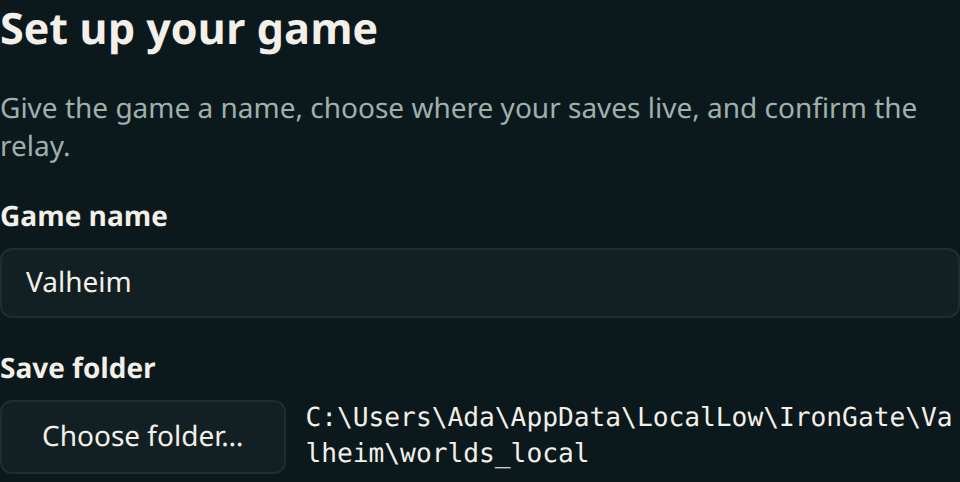
1Point it at your save
Name the world and show Embervault where the game keeps it. It watches that folder and nothing else.
 2
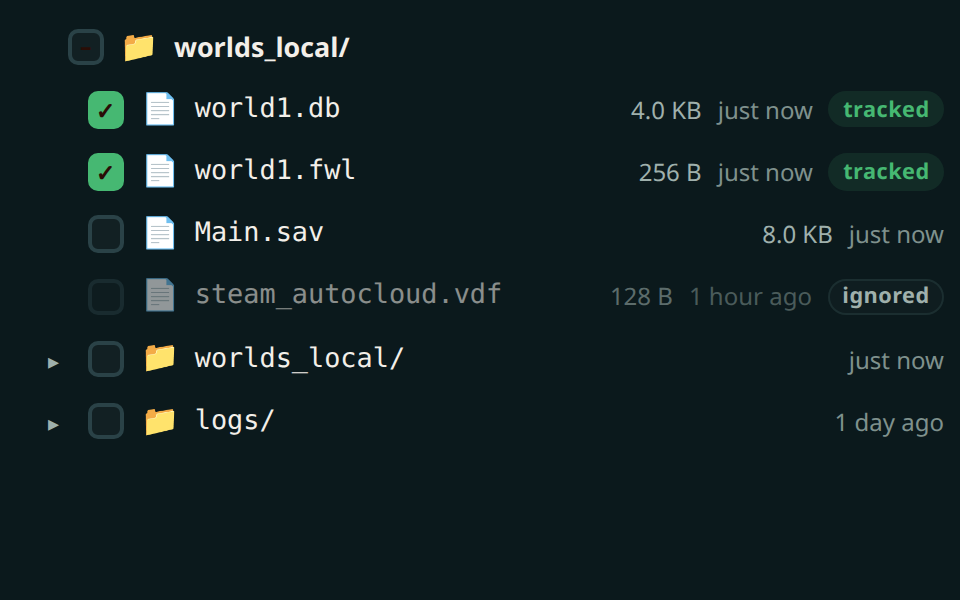
2Choose your saves
Pick exactly the files that belong to this world. Embervault touches only those — your other saves stay untouched.
 3
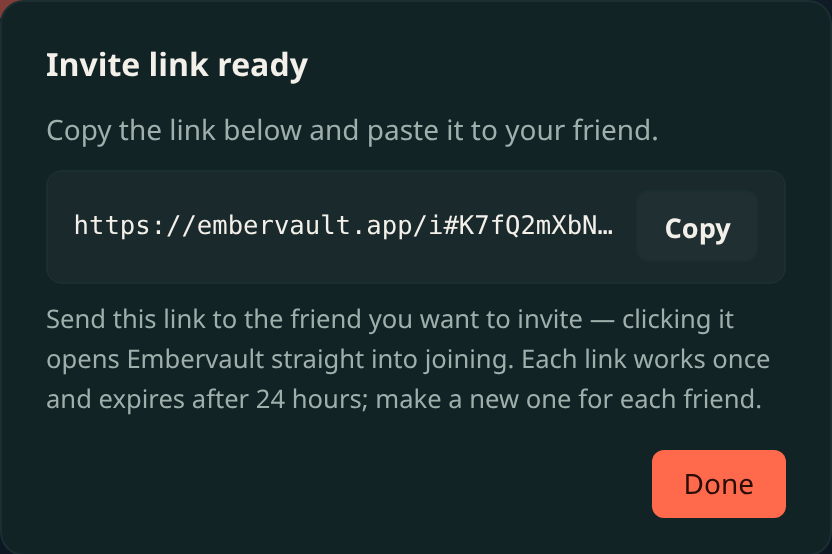
3Invite friends
Send a one-time link. They join in a click — and self-hosters need no account at all.
 4
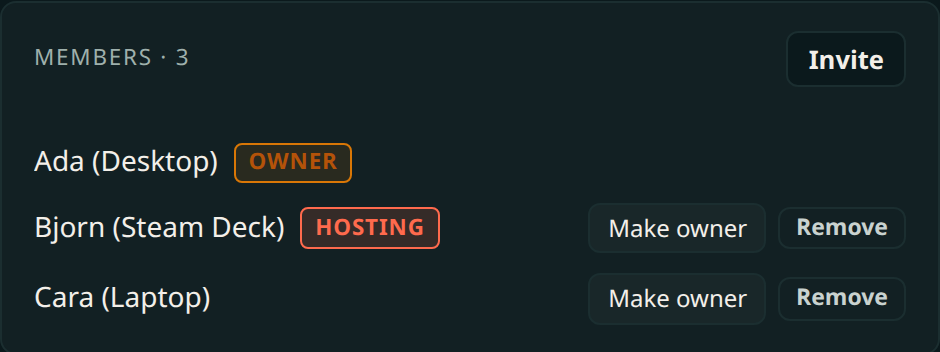
4Someone hosts
Whoever’s playing hosts; everyone else rides along. Embervault tracks who’s canonical automatically.
 5
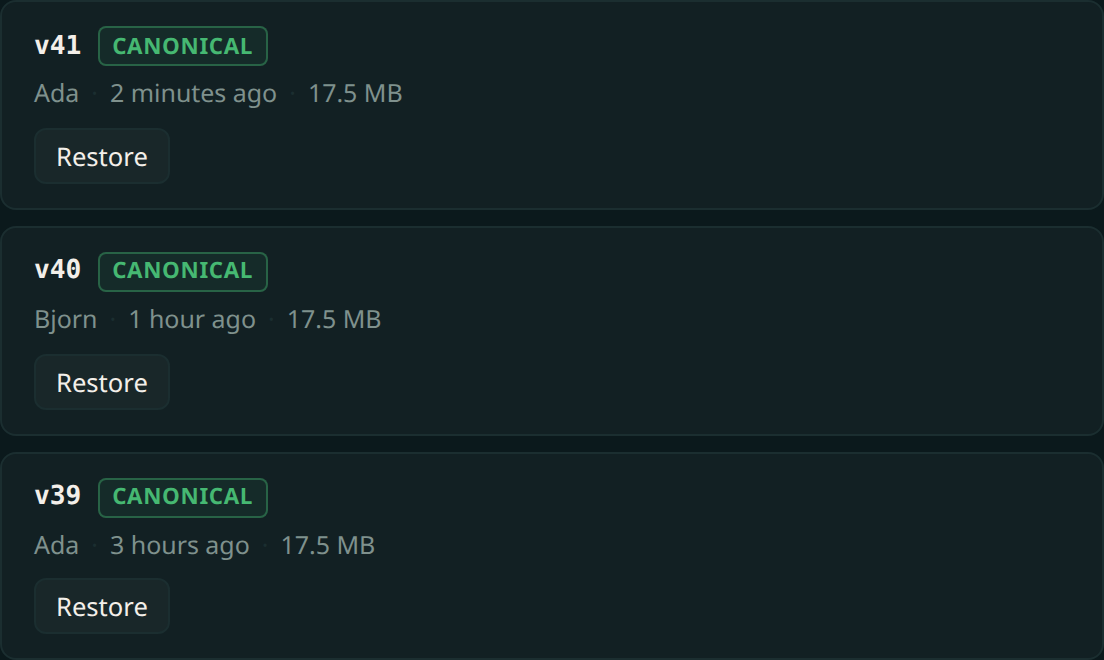
5One save, everywhere
Every session lands on the same timeline, whoever played it — end-to-end encrypted, and any point restorable from any machine.